Local Guides
Sabbath Mode on an Oven: What It Does and How to Turn It On or Off
By SOS Appliance Repair · November 4, 2026 · 8 min read
Technician credentials: EPA 608 Universal · Sub-Zero Factory Certified
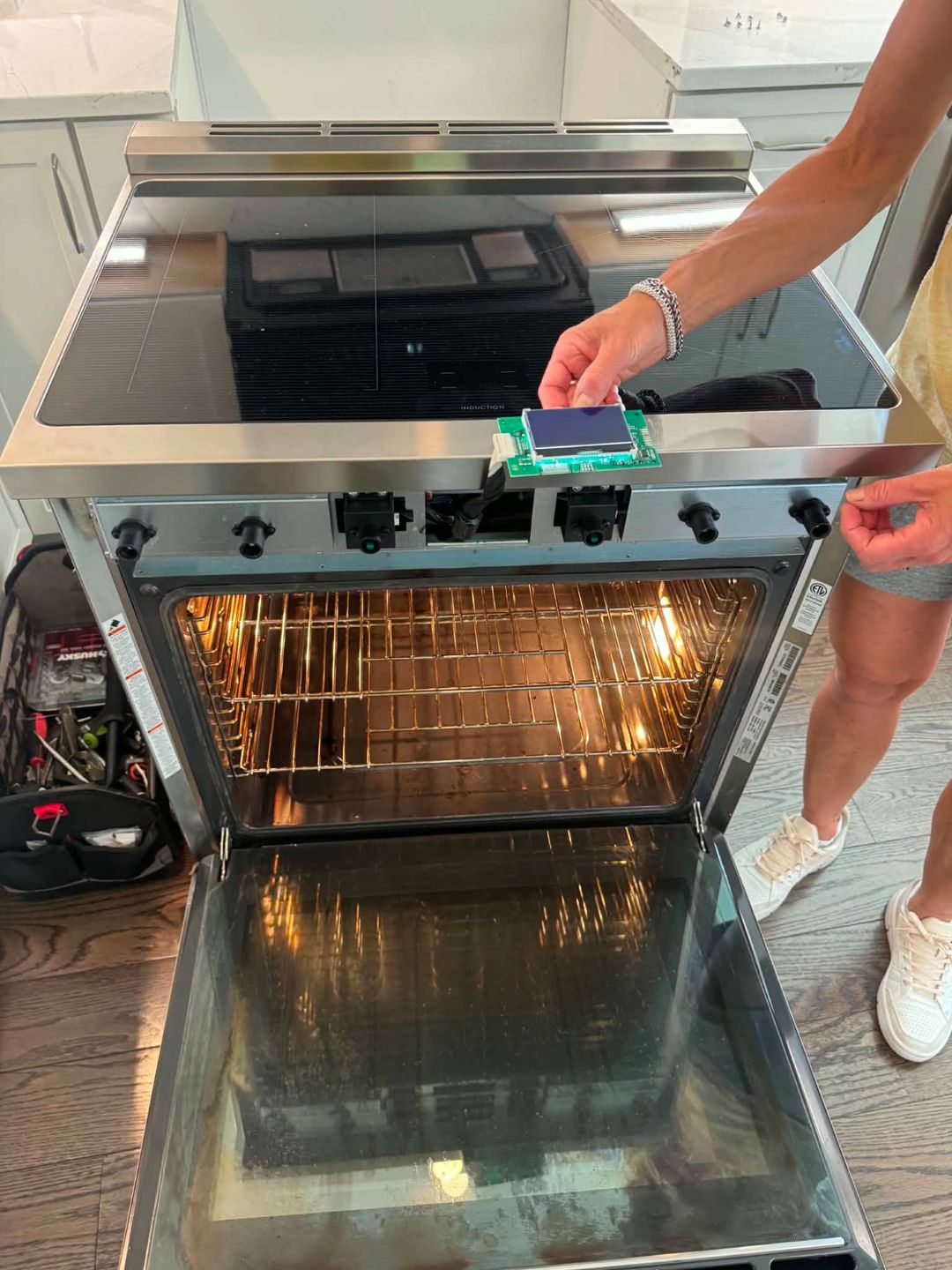
Sabbath mode on an oven turns off the automatic 12-hour shut-off, lights, tones and display changes so the oven can stay on through Shabbat or Yom Tov. It's switched on and off with a button sequence that differs by brand and model, listed in the manual and on Star-K's appliance pages.
Sabbath mode on an oven lets the oven stay on through Shabbat or Yom Tov without the things a modern oven normally does on its own: shutting itself off after 12 hours, beeping, lighting up the display or switching on the oven light when the door opens. It's a standard feature on many ovens and ranges sold in the US, but every brand switches it on and off a little differently, and when it misbehaves it usually happens on a Friday afternoon. This guide explains what the mode changes, how to find your model's sequence, how to get out of it safely, and what to check before the holidays.
Need help with Sabbath mode? Call or text (800) 631-0109, 24/7, or book online. We set up and repair Sabbath mode on ovens and ranges in Monsey, Spring Valley, Teaneck and across North Jersey, Rockland and Westchester.
What is Sabbath mode on an oven?
A standard electronic oven is built to protect you from a burner left on by mistake. Most turn themselves off after about 12 hours, and almost all of them react to every touch with a tone, a light or a change on the display. Sabbath mode switches those behaviors off. On a typical Star-K certified oven, it:
Cancels the 12-hour automatic shut-off, so the oven can hold its temperature for the whole of Shabbat or a two-day Yom Tov. Many models stay on for up to about 72 hours.
Stops tones and beeps, including the preheat chime and the end-of-cycle alarm.
Freezes the display, so the temperature readout doesn't change as the oven heats or cools. Some models show only "Sab" or a small symbol.
Disconnects the oven light from the door. If the light was off when the mode started, opening the door won't turn it on; if it was on, it stays on.
Disables most keys, so a touch on the panel doesn't start or change anything by accident.
Some models also delay the response to any setting change by a random interval, and keep the convection fan from switching on when the door opens. What exactly your oven does depends on the model, which is why the manual and the Star-K listing matter more than any general description.
Sabbath mode vs. Yom Tov settings: changing the temperature
Many certified ovens have two levels. Basic Sabbath mode keeps the oven at the temperature it was set to before the mode began. A Yom Tov setting goes one step further and allows the temperature to be raised or lowered on Yom Tov, when cooking is permitted, with the change taking effect after a delay and without any tone or display change.
Not every oven that has a Sabbath mode has the Yom Tov option, and the two are entered in different ways. If your family cooks on Yom Tov, check before the holiday which one your oven supports. For questions about what is permitted, follow your rabbi's guidance; the oven only provides the setting.
How to turn it on and off: where to find your model's sequence
There is no single button sequence. Depending on the brand and the year, Sabbath mode is entered in one of these ways:
A settings or options menu on the control panel, where Sabbath appears as one of the choices.
Holding two keys together for a few seconds, often after setting a bake temperature first. Many GE and Whirlpool-family models work this way.
A dedicated Sabbath key on some ranges and wall ovens.
The reliable places to find your model's exact sequence are the use-and-care manual (search the model number, which is on a label around the oven opening or behind the storage drawer) and Star-K's Sabbath mode appliance pages, which list certified models with brand-specific instructions. On a double wall oven, check whether each cavity is set separately.
A few practical habits help: set the bake temperature before you enter the mode, confirm the display shows the Sabbath indicator before candle lighting, and try the whole sequence once on an ordinary weekday so you know what the screen should look like.
How to turn off Sabbath mode when the oven won't leave it
This is the most common problem with the feature, and it tends to show up on Saturday night or right after Yom Tov. The panel seems dead, the oven is still warm, and nothing responds. Before assuming a fault:
Use the exit sequence for your model. On many ovens it's the same keys used to enter the mode, held for a few seconds. Pressing other keys does nothing while the mode is active, by design.
Let a timed cycle finish. If a bake time was set before the mode started, some ovens won't accept the exit until that time ends.
Reset the power only as a last resort, and only when the oven is off and cool. Switch off the oven's breaker for about a minute, then switch it back on. On most models this clears the mode; on some, the oven returns to its previous state and still needs the exit sequence. Never pull a range out to unplug it while it's hot, and on a gas range, never disconnect the gas line yourself.
If the oven still won't respond after a power reset, the issue is usually the control, not the setting.
When Sabbath mode stops working: keypad, control board or settings
When the mode used to work and doesn't any more, there are three usual causes:
A worn keypad. The membrane touchpad wears unevenly, and the keys used for the Sabbath sequence are often the most-pressed on the panel. If one key in the sequence no longer registers, the mode can't be entered at all, while the rest of the oven seems fine.
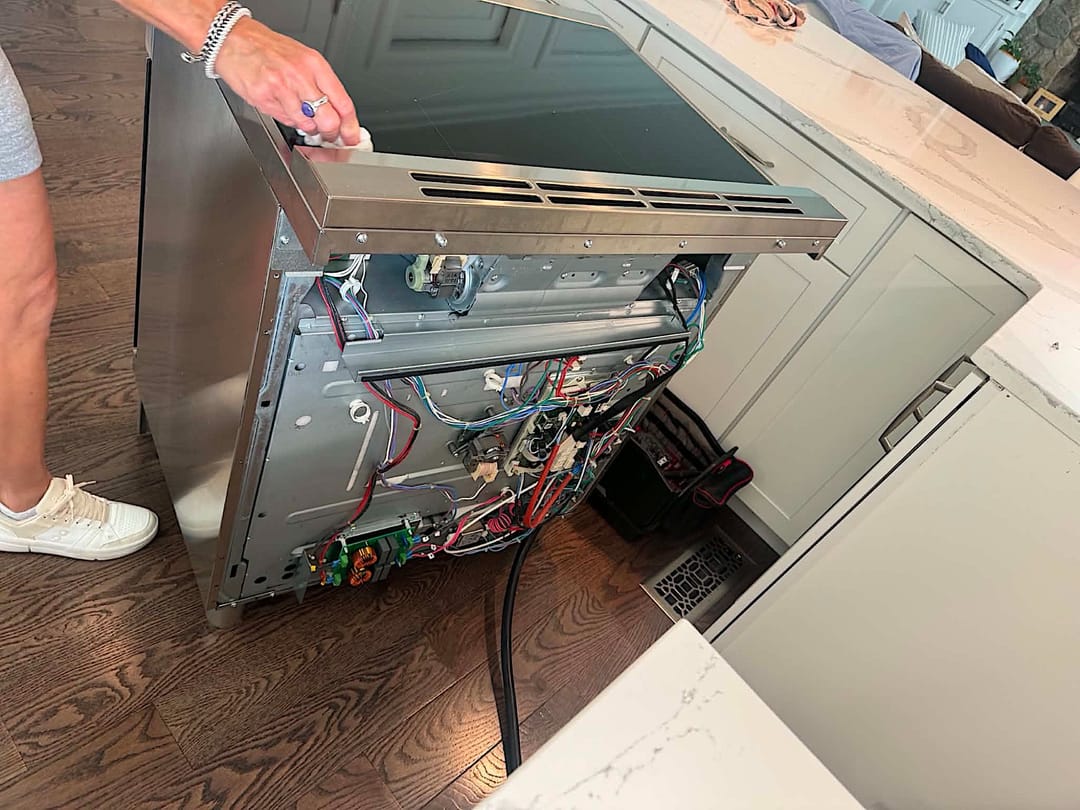
A failing electronic control. The control board runs the mode. A board that has been through repeated heat, especially after self-clean cycles, can start dropping out of the mode, ignoring the 12-hour override or rebooting. A power surge can do the same.
Settings lost after a power outage. Some ovens reset to factory behavior after a long outage. Re-entering the sequence, or re-enabling the feature in the settings menu, fixes it.
A technician can test the keypad's circuits and the control's outputs to tell which part has failed, and confirm the replacement is certified for Sabbath use on that model. Our oven repair page covers the other common faults, and our GE appliance repair page covers GE ovens and ranges, a common choice in kosher kitchens.
Before Yom Tov and Pesach: run self-clean early, check the door lock and igniter
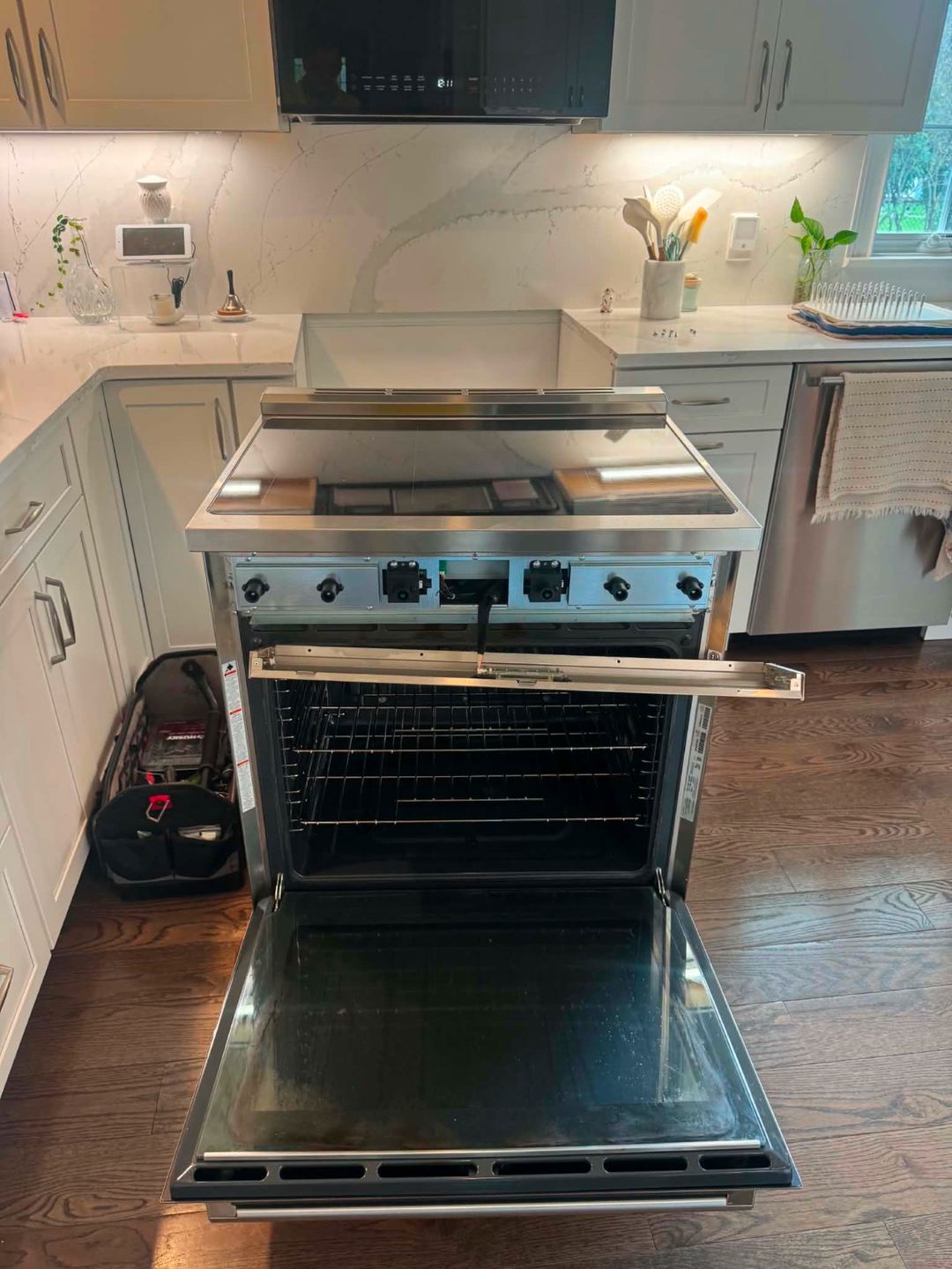
The weeks before Pesach and the fall holidays are when ovens in observant households work hardest, and a self-clean cycle run the night before is a classic way for a tired part to fail at the worst moment. Self-clean heats the cavity far beyond normal baking temperatures, which is exactly when a weak part gives out. A few weeks before a holiday:
Run self-clean early, at least a week before you need the oven, so there's time for a repair if something fails.
Watch the door lock. If the door stays locked long after the cycle ends, or the lock light flashes, the latch or its switch may be failing. Don't force the door.
On a gas oven, check the igniter. If the oven takes much longer than usual to light, or you smell gas for more than a moment before the flame appears, the glow-bar igniter is weakening. A weak igniter often fails right after the long heat of self-clean.
Test the Sabbath sequence once, so a stubborn key or a reset setting shows up on a Tuesday, not a Friday.
Sabbath mode setup and repair in Monsey, Spring Valley and Teaneck
We set up Sabbath mode on new ovens, walk families through the sequence on their own model, and repair the keypads, controls, door locks and igniters that stop it working. We work across Rockland County, including Monsey and Spring Valley, and in Bergen County towns such as Teaneck, as well as the rest of North Jersey and Westchester.
If your oven won't enter or leave the mode, or you want it set up before the holidays, call or text (800) 631-0109 or book a visit online. Tell us the brand and model number if you have them, and we'll come with the right parts.
- oven
- sabbath mode
- star-k
- range
- shabbos mode